This video shows you how to take psychedelic abstract long exposure photographs of Christmas lights. You’ll want to set your camera’s shutter speed to to BULB mode and use your camera’s pop-up flash (or external flash), then spin yourself around in front of your Christmas tree. It helps if all the lights are turned off in the room except for the Christmas tree lights.
Here are the six different tricks. There will be an image on top, and an description underneath each image.
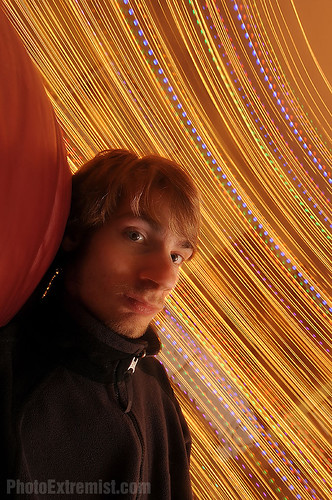
Spin either in a chair or while standing up. Try not to move your arm, hand, or head while doing this, because it will cause unwanted camera-shake. You can experiment moving your arm up and down or something if you want to, it just will give you a different effect.
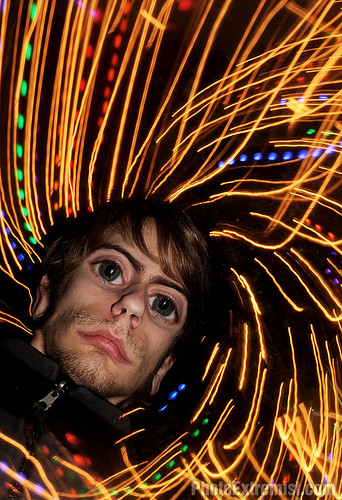
Hold your camera by the lens out in front of your with your right hand, twist just like you did in the first trick, only this time take your left hand and move your camera so it zooms in and rotates at the same time. If you do this several times, you should eventually get a result where the lines will twirl around you, like you are in some type of TRON video game or something. And hey, Photoshopping your face using the Liquify tool to make you look like an alien never hurts.
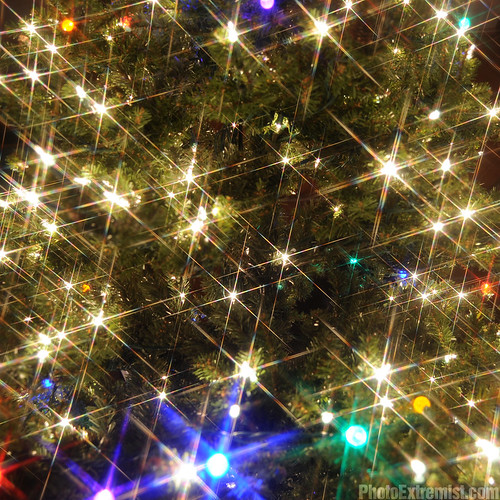
Use a star filter screwed on the front of your camera lens. This will slice and the light into thin lines. This looks cool when you twirl the filter around your lens as well because the stars will appear to be “twinkling”.
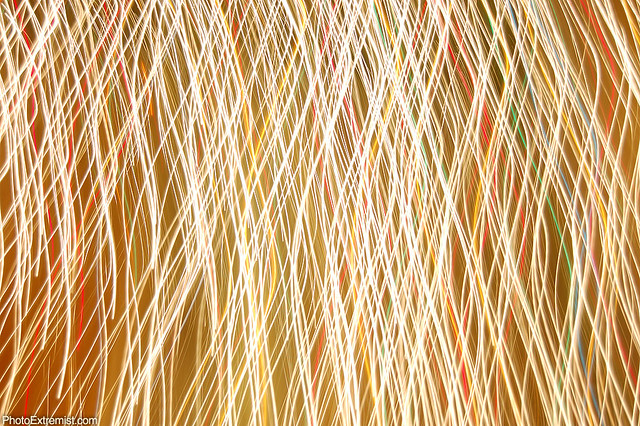
Use manual focus, still in bulb mode, and simply move your camera around your Christmas tree while the exposure is taking place. You will end up with really techy-yet-beautiful abstract photographs that you can use in backgrounds for Photoshop projects or the like.
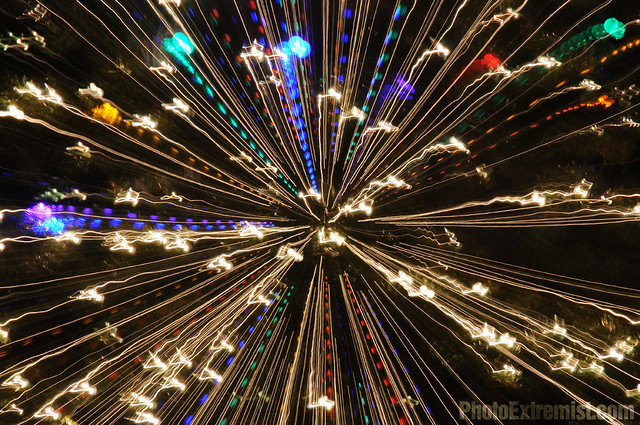
Put your camera on a tripod and zoom in while the exposure is taking place.
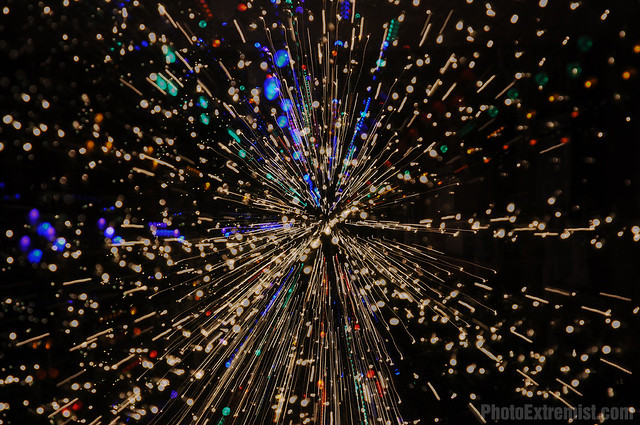
If you have a higher end DSLR (I’m using a Nikon D300s) there may be a Multiple Exposure function somewhere in the camera’s menu. I like to set it to ten and then take several exposures, each shot at a different focal length.

Pingback: Psychedelic Alien
Pingback: Spinnnn!
Pingback: 20 Dazzling Christmas Light Painting Pictures
Pingback: Christmas Light Painting and Other Dazzling Christmas Photos | PhotographyMojo
Pingback: 20 Dazzling Christmas Light Painting Pictures « Welcome To Tanelorn
Pingback: Bruce Bahr, driving force behind Nickelodeon’s new home, has died | Through time
Pingback: Christmas decors Christmas Tree images | Christmas Pictures
Pingback: Candacemccuiston.com Resorts Travel and Luxury » Blog Archive » KARADENIZ 2011
Pingback: Cool Horror Video images | The display of horror
Pingback: Weave | Hair Weave Pictures
Pingback: Cool Aliens images - The internets #1 choice for UFO conspiracies - UFO News Source
Pingback: Time (II) | onlineproductivity
Pingback: Traveling Quilts: June for Alissa : world travel channel
Pingback: Time Travel | Shareit @Shareoi
Pingback: Time Travel - BookCheapTravels.com
Pingback: Cool Web Domain images - Sight By Digital
Pingback: Italian Cream Cake | UGLY HOLIDAY SWEATERS